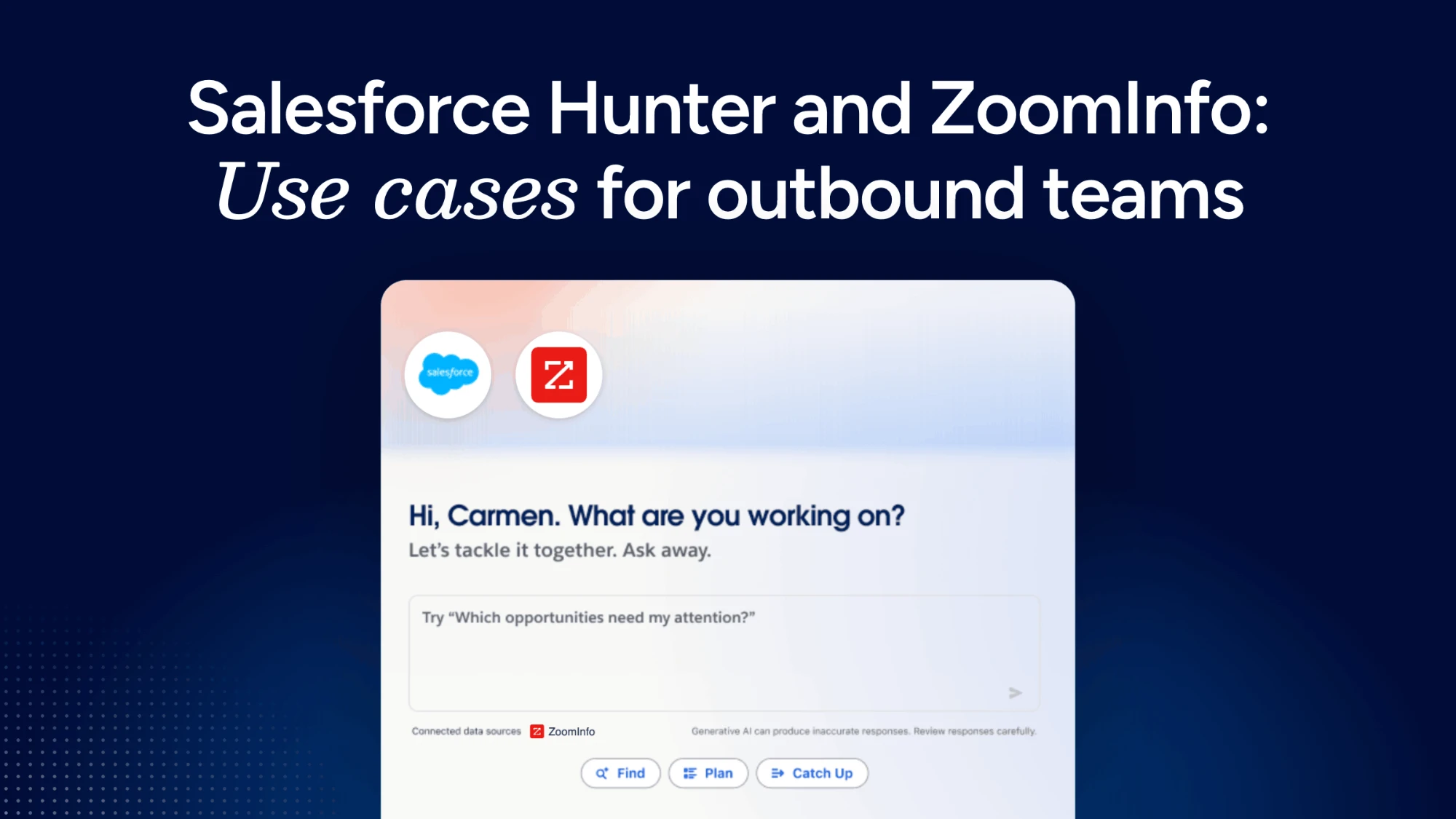

What Hunter does and where ZoomInfo fits
Hunter is Salesforce's outbound sales agent. Hunter is Salesforce's outbound sales agent, designed to help sellers turn their goals into action using CRM context and external intelligence. It learns your team's sales motion from calls, emails, and notes, keeps context on accounts and opportunities over time, and asks a rep for approval before it takes a judgment call.
An agent can only reason over the data it can reach, and CRM data alone may not reveal recent funding, leadership changes, or relevant contacts missing from Salesforce. That external view is where ZoomInfo comes in.
ZoomInfo, the all-in-one AI GTM Platform, is one of the data partners built into Hunter. It brings verified company and contact data, intent signals, buying signals and news from the GTM Context Graph into Hunter's work. The graph covers 100 million companies and 500 million contacts. Hunter combines your CRM context with that live market intelligence when it prioritizes accounts, finds prospects, and decides what to do next.
Seven ways sales teams can use Hunter with ZoomInfo
The use cases below follow a typical outbound week, from building the list to keeping records clean. Each one pairs something Hunter does with the ZoomInfo intelligence that makes the output worth acting on.
1. Start the day with a prioritized account list
Most reps open Salesforce to a static territory list and decide where to start based on gut feel. Hunter can rank accounts using your CRM history together with ZoomInfo intent signals, so accounts actively researching your category rise to the top.
The result is a shorter list with a reason attached to each account. A rep can see why an account matters today before spending time on it.
2. Find buying committee contacts missing from the CRM
Enterprise deals stall when a rep is single-threaded with one champion. Hunter can use ZoomInfo contact data to surface relevant people at a target account who are not in Salesforce yet, such as the economic buyer, a new operations leader, or the security reviewer who joins late in the cycle.
Because ZoomInfo contacts are verified, the rep spends less time on bounced emails and dead phone numbers and more time with the people who actually influence the deal.
3. Time outreach to funding, hiring, and leadership changes
A cold email that lands the week after a funding round or a leadership change gets read differently from one that lands at random. Hunter can use those events through ZoomInfo and flag the accounts where something just changed.
For an SDR, this turns signal monitoring from a morning chore into a queue of ready reasons to reach out.
4. Draft first-touch outreach grounded in account context
Hunter drafts outreach and holds it for rep approval. When ZoomInfo intelligence is part of the context, the draft can reference what is actually happening at the account, such as a new hire or a relevant initiative, instead of a generic value statement.
The rep stays in control. They edit, approve, or discard each draft, and nothing is sent without that sign-off. Teams that already run AI outbound prospecting workflows will find the same pattern here: the agent researches and drafts, and the human decides.
5. Prep for discovery calls without switching tabs
Before a first meeting, an AE typically checks the CRM, LinkedIn, the company website, and a news search. Hunter can pull that research together from CRM history and ZoomInfo firmographics, recent news, and key contacts, so the rep walks in knowing the account's size, structure, and recent changes.
That prep time adds up. Seismic reps using ZoomInfo signals and workflows saved 11.5 hours per week, and 39% of active pipeline came from ZoomInfo signals.
6. Re-engage stalled and closed-lost accounts when signals change
Closed-lost accounts rarely get a second look until someone remembers them. Because Hunter keeps running in the background, it can notice when one of those accounts shows new intent, hires into a relevant role, or announces a change that reopens the conversation.
This gives reps a structured way to revisit past opportunities based on evidence rather than calendar reminders.
7. Keep CRM records current as Hunter works
For RevOps, every agent action is also a data quality question. Hunter writes ZoomInfo data back to Salesforce records, so when it finds a new contact or a company change, that context flows directly into your CRM instead of living only in the agent's memory.
If your team needs broader coverage across the whole database, not only the accounts Hunter touches, ZoomInfo CRM enrichment handles scheduled and on-demand updates at scale.
How Hunter compares with other ZoomInfo options in Salesforce
Hunter is one of several ways ZoomInfo intelligence shows up in Salesforce. Each option suits a different working style, and many teams run more than one.
Option | What it does | Best fit |
|---|---|---|
Hunter | A long-running agent that researches, drafts outreach for approval, and progresses opportunities using CRM context plus ZoomInfo intelligence | Teams that want an agent working across the full outbound motion inside Salesforce |
Agentforce Prospecting Agent | Produces a prioritized prospect queue with the reasoning cited, with ZoomInfo as the native data layer | Teams that want a daily, explainable target list |
GTM Workspace | A ZoomInfo workspace on top of Salesforce with an Action Feed of in-market signals and one-click account briefs | Reps who want ZoomInfo's full signal view and AI assistant alongside the CRM |
For a deeper look at the Prospecting Agent, see how the Agentforce Prospecting Agent builds its queue. Reps who want ZoomInfo's own interface can use GTM Workspace alongside Hunter, since the two serve different moments in the day.
What RevOps should check before rolling out Hunter
Agents inherit the strengths and gaps of the systems underneath them. Before turning Hunter on for a team, RevOps leaders should work through a few questions.
Permissions: Hunter works within Salesforce permissions and approval rules, so review which objects and fields each role can see before expanding access.
Approval paths: Decide which actions need rep approval and which need manager review, especially outreach to strategic accounts.
Data hygiene: Duplicate accounts and stale ownership confuse agents as much as people. Clean these up first so Hunter's prioritization reflects reality.
Signal relevance: Agree on which intent topics and events matter for your ICP, so Hunter surfaces signals your team will act on.
Overlap with existing tools: Map where Hunter, the Prospecting Agent, and any ZoomInfo workflows already in use each fit, so reps are not working the same account from three queues.
FAQs
What is Salesforce Hunter?
Hunter is Salesforce's outbound sales agent. It is a long-running AI agent that learns a team's sales motion, researches and prioritizes prospects, drafts outreach for rep approval, and helps create and progress opportunities. It works within existing Salesforce permissions and approval rules.
How does ZoomInfo work with Hunter?
ZoomInfo is one of the data partners built into Hunter. It supplies verified company and contact data, intent signals, Scoops, and news, which Hunter combines with CRM context to prioritize accounts and inform next steps. You can read more about how ZoomInfo connects to Salesforce agents in our guide to the Salesforce MCP.
Is Hunter the same as the Agentforce Engagement Agent (SDR) or Prospecting Agent?
No. The Agentforce Prospecting Agent produces a prioritized prospect queue, and the Engagement Agent engages prospects and books meetings. Hunter is a broader, long-running agent that covers research, outreach, and opportunity progression. Think of Hunter as the next evolution of these two agents. ZoomInfo intelligence supports several of these Salesforce agents.
Do I need to stop using ZoomInfo's other tools if I use Hunter?
No. Hunter adds another place where ZoomInfo intelligence appears, and it works alongside the ZoomInfo tools your team already uses. Many teams pair Hunter with GTM Workspace for a fuller signal view and use enrichment to keep the wider CRM current.
When is Hunter available?
Salesforce announced Hunter at Dreamforce 2026 and expects general availability later this year. For current availability and access details, check with your Salesforce account team. ZoomInfo customers can also reach out to their ZoomInfo account team for guidance on using both together.